
Table of Contents
Introduction
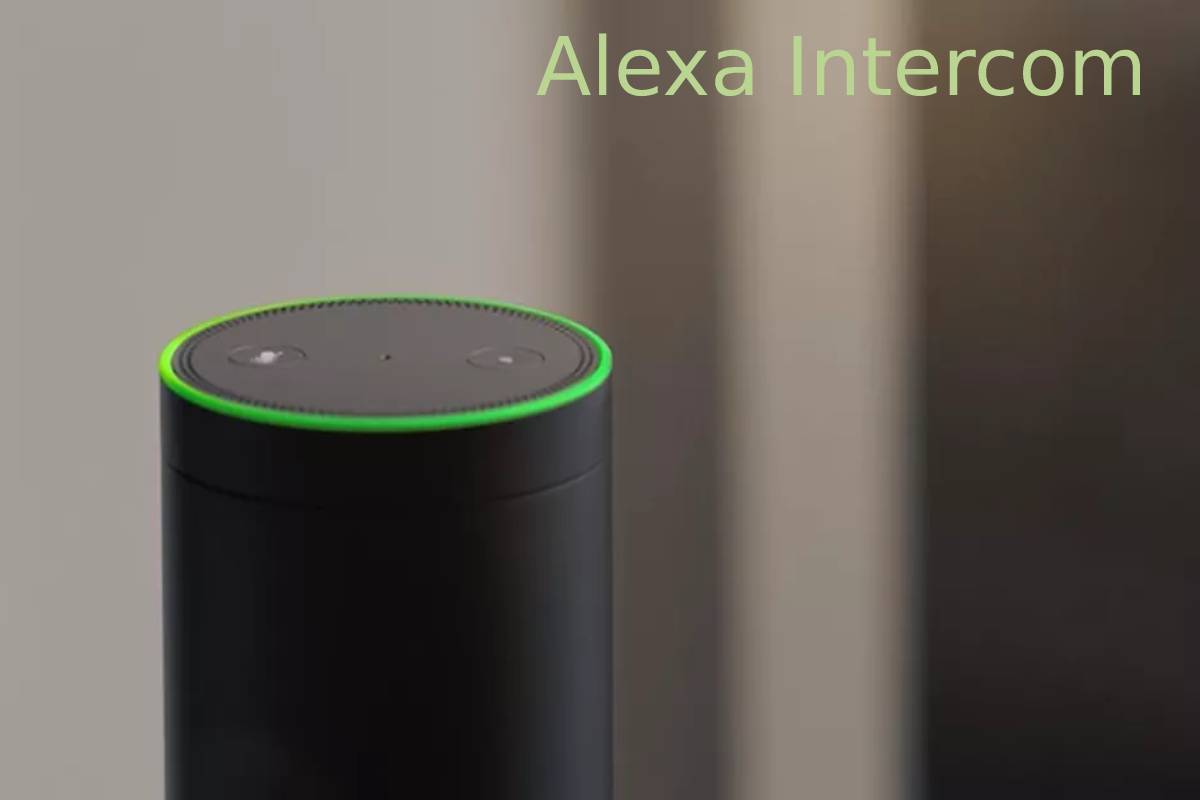
The Alexa Intercom feature, primarily powered by Drop In and Announcements, transforms your compatible Echo devices into a seamless whole-home communication system. Introduced in 2017, this functionality allows users to instantly connect with specific rooms or broadcast messages to every Alexa-enabled device in the house . Unlike traditional intercoms, this system leverages Wi-Fi and the Alexa app, allowing you to communicate not just from room to room, but also remotely from your smartphone .
Alexa Intercom Specifications
| Feature | Specification / Requirement |
|---|---|
| Core Feature Name | Drop In & Announcements |
| Connectivity | Wi-Fi (Minimum 1 Mbps upload speed recommended for stability) |
| Compatible Devices | Echo, Echo Dot, Echo Show, Echo Pop, Echo Spot, and the Alexa App (iOS/Android) |
| Audio Type | Two-way, full-duplex (Drop In) / One-way broadcast (Announcements) |
| Remote Access | Yes (Requires Alexa App and internet connection on your phone) |
| Network Setup | Devices must be registered to the same Amazon account or linked via Household Profile |
| Privacy Control | “Do Not Disturb” mode, Disable “Drop In” per device, Approval-only access |
Alexa Intercom Uses
| Use Case | How It Works | Example Command |
|---|---|---|
| Instant Room Chat | Connects two specific devices for a live, two-way conversation. The recipient does not need to “answer” (unless set to require approval). | “Alexa, drop in on the Kitchen.” |
| Whole-Home Broadcast | Sends a pre-recorded message to every Alexa device in the house. Useful for general announcements like dinner time. | “Alexa, announce that dinner is ready.” |
| Remote Caregiving | Use the Alexa app on your phone to “Drop In” on your home Echo devices while you are at work or traveling to check in. | (Tap “Drop In” on the device in the Alexa App) |
| Party Line Mode | Opens a simultaneous two-way audio line between all devices in the house, allowing for a group conversation across multiple rooms. | “Alexa, drop in everywhere.” |
| Lobby/Intercom Integration | Connects to smart intercom systems (like Ring Intercom) to allow you to speak to visitors at a building entrance and unlock the door via voice. | “Alexa, talk to Front Door.” |
Alexa Intercom Reviews
| Aspect | User Sentiment & Feedback |
|---|---|
| Convenience | Highly praised for reducing yelling across the house. Users appreciate the ease of use, especially with kids or elderly family members . |
| Cost Effectiveness | Reviewers highlight that if you already own Echo devices, the intercom function is a free, valuable addition that turns cheap hardware into a powerful tool . |
| Privacy Concerns | The “Drop In” feature can feel invasive if not configured correctly. Some users report discomfort with the ability to connect without an “answer” button, though this is mitigated by privacy settings and notification chimes . |
| Reliability | Generally reliable when connected to stable Wi-Fi. However, performance can degrade on weak signals or if devices are on different network bands (2.4 GHz vs. 5 GHz) . |
How to Set Up and Use Alexa Intercom
To get started, ensure you have the Alexa app installed and your devices plugged in.
-
Name Your Devices: In the Alexa app (Devices tab), assign specific names to each Echo device based on its location (e.g., “Office,” “Living Room,” “Basement”). Avoid generic names .
-
Enable Drop In:
-
Open Alexa app > Devices > select your Echo device.
-
Tap the Settings (gear icon) > Communication.
-
Tap Drop In and select “My Household” (for family use) or “Only my contacts” .
-
-
Adjust Privacy: If you do not want to be disturbed, say “Alexa, turn on Do Not Disturb” on that specific device, or schedule it via Routines .
-
Start Talking:
-
To a specific room: Say “Alexa, drop in on [Device Name].”
-
To everyone: Say “Alexa, announce [Your message].”
-
Key Features & Tips
| Feature / Tip | Benefit / Function |
|---|---|
| “Drop In Everywhere” | Activates all household Echo devices simultaneously for a group conversation . |
| Visual ID (Echo Show 15/21) | The screen can display personalized calendars, notes, and reminders based on who is looking at it, enhancing the “family command center” feel . |
| App Remote Control | You can initiate a Drop In from your phone to your home devices, even if you are on a cellular network miles away . |
| Routines Integration | Automate announcements. Example: Set a routine that says “Time for bed” via Announcements when a smart button is pressed . |
| Privacy Audit | Say, “Alexa, who can drop in on me?” to hear a verbal list of contacts who have access to your device . |
Recommended Devices for Intercom Use
| Device | Best For | Key Feature for Intercom |
|---|---|---|
| Echo Pop | Budget-friendly entry | Lowest cost to equip multiple rooms (often under $25) . |
| Echo Dot (Gen 5) | Bedrooms / Small rooms | Clear vocals, LED clock, and motion/temperature sensors to trigger routines . |
| Echo Show 8 (2025) | Kitchen / Office (Best Balance) | 8.7″ screen for video calls and visual feedback; excellent speaker quality . |
| Echo Show 15 / 21 | Family Hub / Wall Mount | Large screen serves as a digital bulletin board; Visual ID shows specific user data . |
| Echo Show 10 | Video calls on the move | Motorized screen follows you as you move around the room . |
Troubleshooting Common Issues
| Issue | Possible Solution |
|---|---|
| “Can’t drop in on this device” | Ensure Drop In is enabled in the Communication settings of the specific target device . |
| No response / Offline | Check Wi-Fi connection. The device may have lost internet access. Restart the Echo device . |
| Feature not working | Verify that Do Not Disturb is turned off on the target device. DND blocks all incoming intercom requests . |
| One-way audio | Microphone may be muted physically on the device (red light). Press the mic button to unmute . |
Echo Show Screen Sizes
Amazon offers a variety of screen sizes for visual intercom and smart home management. Here are the current models:
| Model | Screen Size | Resolution | Best Use Case |
|---|---|---|---|
| Echo Show 5 | 5.5 inches (14 cm) | 960 x 480 | Bedside table / Nightstand |
| Echo Show 8 | 8.7 inches (22.1 cm) | 1340 x 800 | Kitchen / Countertop (Best Seller) |
| Echo Show 10 | 10.1 inches (25.6 cm) | 1280 x 800 | Video calls (Motorized base) |
| Echo Show 15 | 15.6 inches (40 cm) | 1920 x 1080 | Wall-mounted family calendar |
| Echo Show 21 | 21 inches (53.3 cm) | 1920 x 1080 | Large wall-mounted organizer |
Sales Figure for Alexa Intercom
Exact sales figures for the “Alexa Intercom” feature are not published by Amazon, as it is a free software function rather than a paid product. However, the feature is a key driver for hardware sales. According to market analysis, Amazon has sold hundreds of millions of Alexa-enabled devices globally since the Echo’s launch. The low price point of devices like the Echo Pop (often $18-$40) makes multi-device household adoption accessible, indirectly generating billions in hardware revenue for Amazon .
Note: The chart above represents the estimated installed base of Alexa-enabled devices, which serves as the foundation for the Intercom feature’s usage.
Conclusion
The Alexa Intercom system is a prime example of smart home utility done right. By utilizing “Drop In” for two-way conversations and “Announcements” for broadcasts, you can effectively eliminate shouting across the house. With support for video on Echo Show devices and remote access via the app, it offers a versatile and affordable alternative to traditional hardware intercoms. Proper setup of device names and privacy settings is crucial to ensure a seamless and secure experience.
FAQs
Q: Is Alexa “Drop In” the same as calling?
A: No. “Drop In” connects instantly like a walkie-talkie or intercom (the recipient does not have to press “answer”), whereas a regular Alexa call requires the recipient to accept the call .
Q: Can I use the intercom from my phone to my house?
A: Yes. If you are away from home, open the Alexa app on your smartphone, go to Devices, select your home Echo, and tap the Drop In button. The speaker will light up and connect instantly .
Q: Does the Echo device make a noise when I drop in?
A: Yes. For privacy and awareness, the receiving device plays a distinct chime or tone before the two-way audio channel opens .
Q: Why is my “Drop In” greyed out?
A: This usually occurs if the target device is currently in a call, has Do Not Disturb enabled, or if the “Drop In” permission is set to “Off” or “Only Contacts” when you are not saved as a contact .
Q: Can I use Alexa as an intercom with a video doorbell?
A: Yes. If you have a compatible video doorbell (like Ring), you can say “Alexa, show me the front door” to the Echo Show, or “Alexa, talk to the front door” to use the audio intercom function .